
Food Truck app from concept to prototype
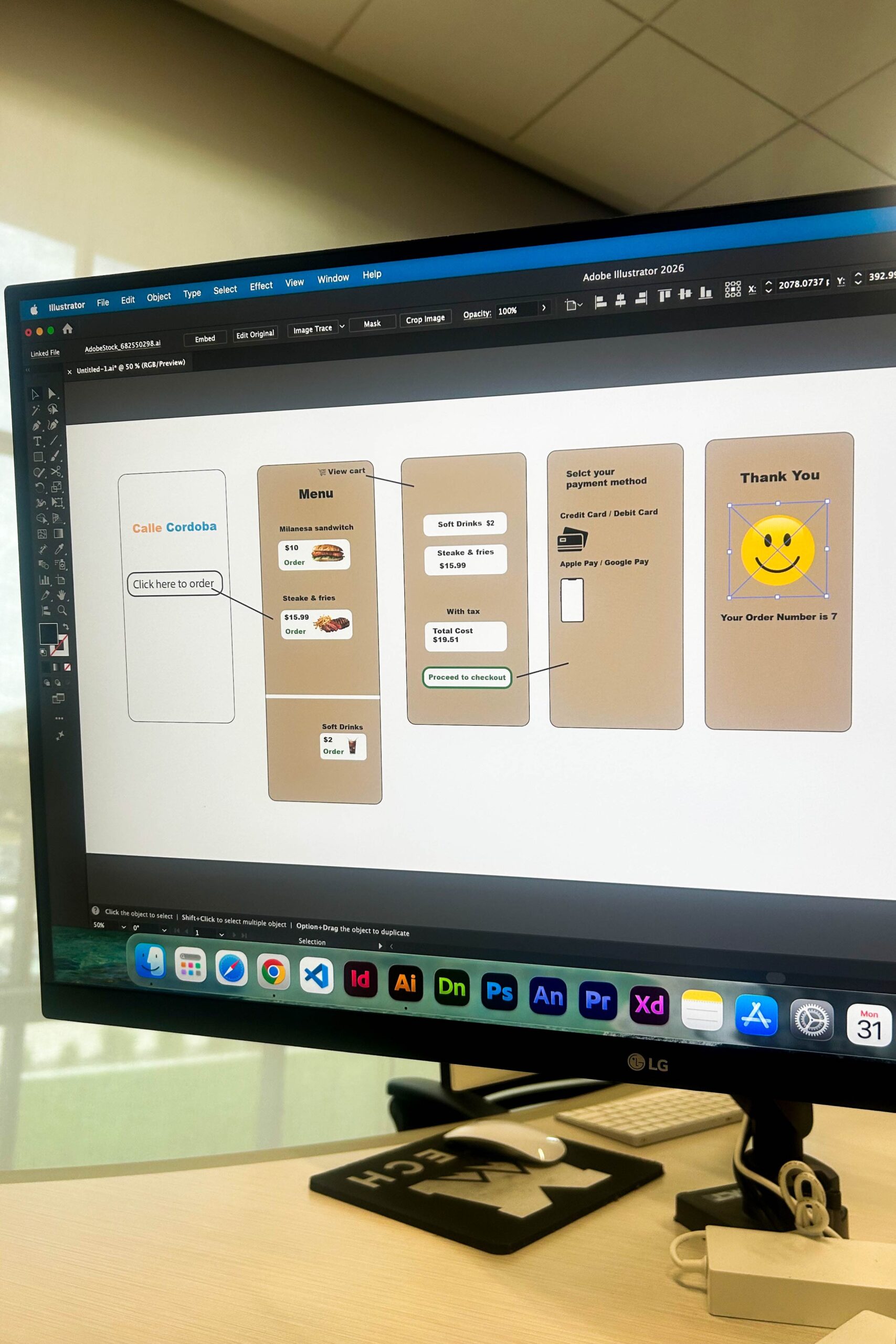
I began the project using Adobe Illustrator to explore the visual direction and establish the foundation for the food truck app.
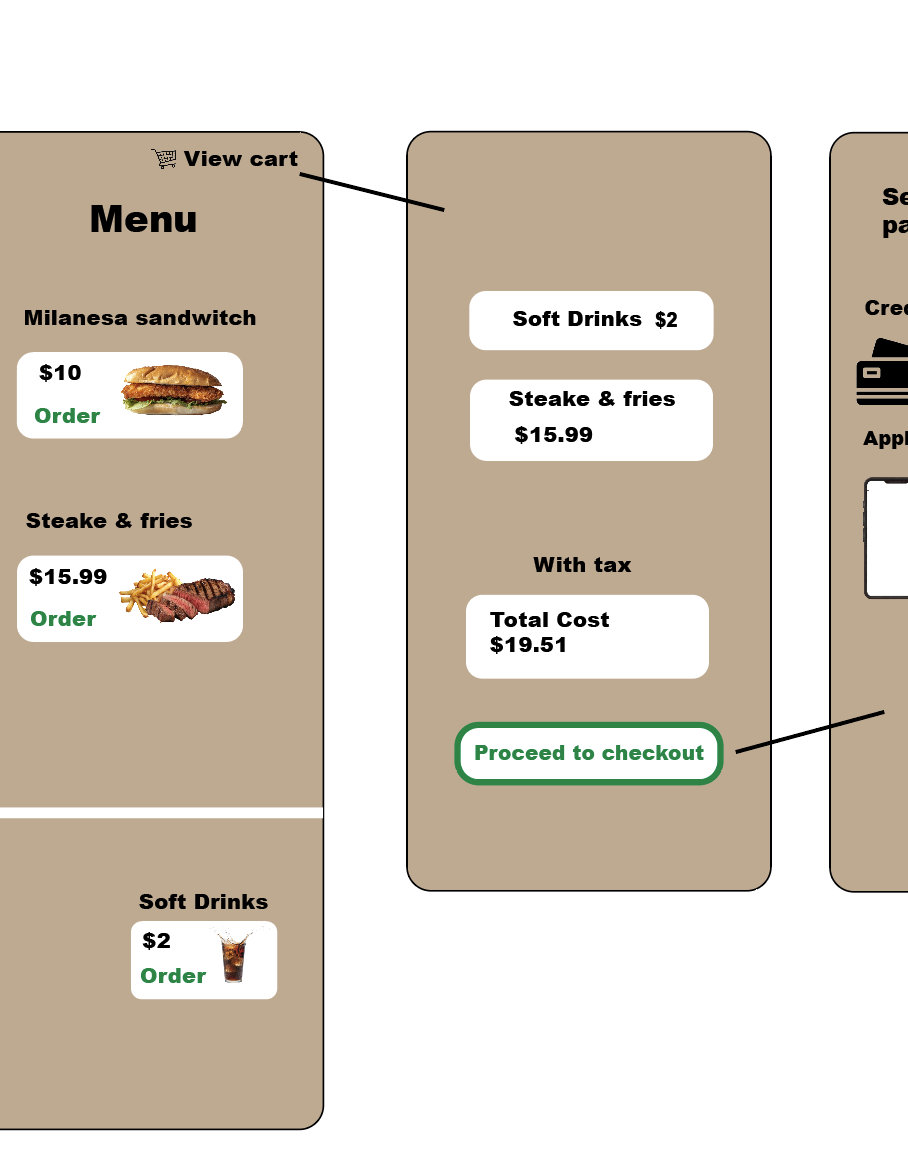
Before moving into the digital prototype, I focused on developing the brand’s look and feel by experimenting with colors. I had to figure out how people would select menu items, since this was only a prototype of the view cart page. I had to add mock-up items and calculate the total cost of a customer’s order.
Identifying a problem and applying the solution
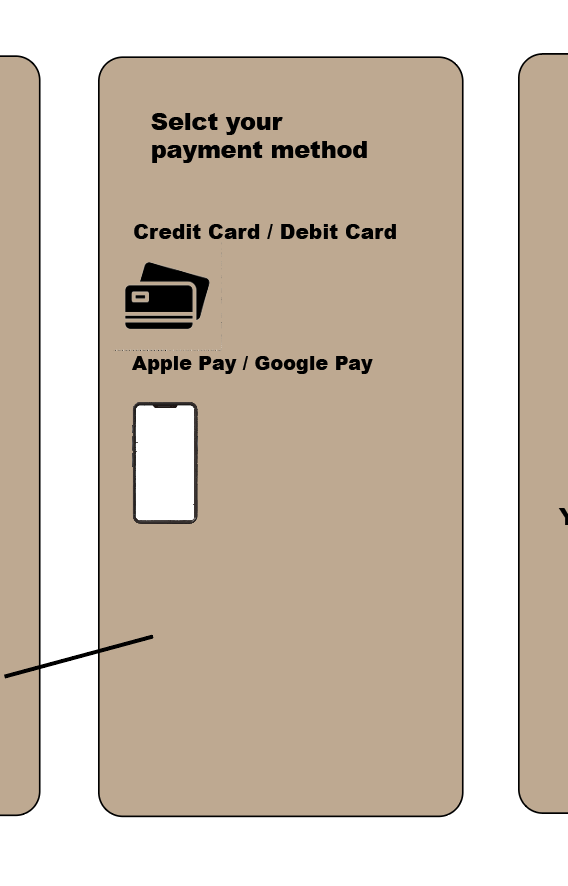
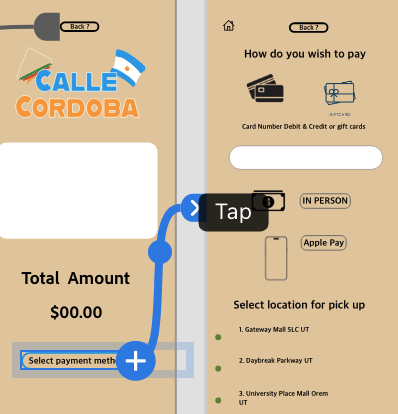
The problem identified was that when customers go to the counter and the staff states they don’t take blank, the blank could be cash, credit cards, or Apple Pay. I decided to design a page in my app that shows the payment methods available to customers so this can be prevented at checkout
Identifying a problem and applying the solution PT 2
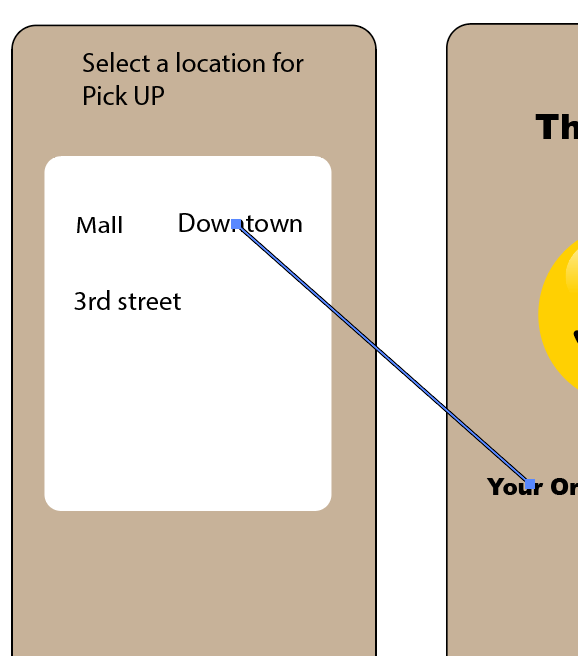
The problem was having the customer know where they could pick up their food.
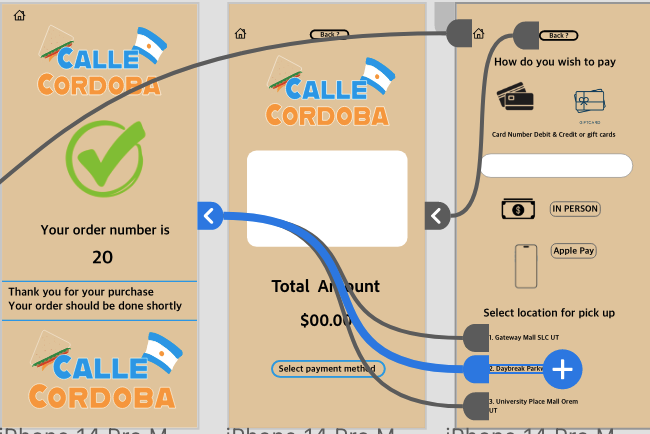
I had to make another page where the customer could select the location of pickup before the order is completed
The lines you see in each photo are supposed to tell you where the buttons would go when you click on them
Keep in mind that the thumbnails I showed before are in Adobe Illustrator. Here are the results in Adobe XD
Feed Back:
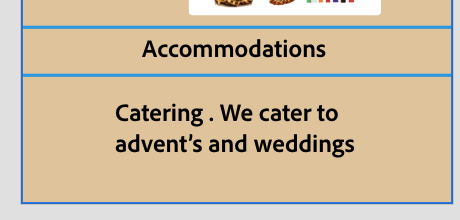
Users notice that my grammar needs to improve on my home page
Before
After
Feed Back: PT 2
Users stated that this app does not behave like the real thing.
Challenge
How to let people know what they have selected without a dot appearing when they select an item?
When they select an item, it takes the user to this page that says ” Proceed to checkout or ” Order something eles that way, they know they have selected more than one item
Example Video
Why is the view cart page slightly different from what you clicked on in the menu
What you see on the view cart page is meant to show you what it would look like after you select items on the menu. Unfortunately, the items you click on won’t match what’s in your cart because it is just a prototype. It’s just to give you an idea of how it would look after items have been selected. If this were a real app, the items you select on the menu would match the cart.